[ CASE FILE: THE SENSOR ON YOUR WRIST ]
"The Apple Watch on your wrist is already one of the most-used heart sensors on earth. Most of the time it just logs numbers you glance at later. But point that live signal at your breathing, and the Watch stops being a tracker and becomes a coach — one that can tell you, in the moment, whether your practice is actually landing."
Section 1: Why is the Apple Watch good for meditation?
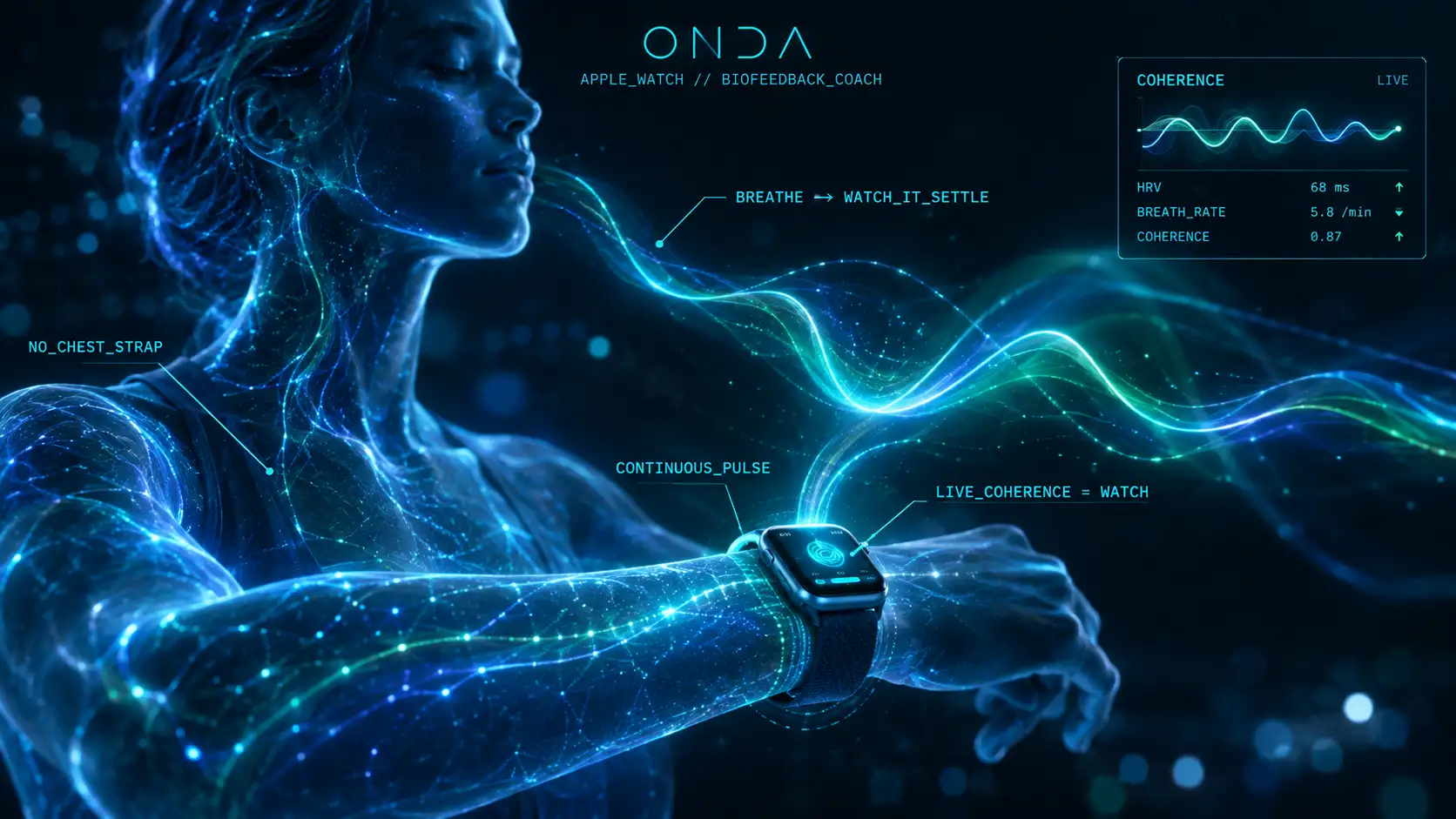
The Apple Watch reads your pulse continuously, so it can catch the calming shift of meditation as it happens: meditation and breathwork work by shifting your autonomic balance toward the calm, parasympathetic side — and that shift shows up in your heartbeat as rising heart-rate variability. The Apple Watch reads your pulse continuously, which makes it perfectly placed to catch that shift as it happens.
The gap is that Apple's built-in tools mostly record — a Mindfulness minute here, an HRV data point there — rather than feed the signal back to you live while you breathe. Recording tells you what happened. Biofeedback shows you the change in real time, so you can steer it. That live loop is what turns a passive tracker into an active meditation coach.
Section 2: What does meditation with Apple Watch biofeedback look like?
In practice it's simple: a biofeedback app takes the Watch's continuous pulse, paces your breathing, and renders your heart rhythm on screen as you go. Slow the breath, lengthen the exhale, and you watch the line smooth into a wide, even wave — the visible signature of coherence. Speed up or tense, and it ripples apart. You are, in effect, playing your own nervous system and getting instant marks.
That feedback does two things a timer can't: it removes the "am I doing this right?" doubt, and it teaches your body the exact pace that calms you, faster than guided audio alone.
Section 3: The honest specifics
A few things worth being precise about:
- •The Apple Watch supplies continuous pulse and the live coherence feedback — it's the source that unlocks the full biofeedback experience. If you only have an iPhone, the camera still reads your pulse and a breathing estimate, but the live coherence score needs the Watch.
- •You do not need a chest strap or a dedicated device. The Watch you already wear is enough.
- •This is a self-regulation practice, not a medical device. The Watch and the app read your physiology; they don't diagnose or treat anything, and none of this is medical advice.
For the fuller picture of what the Watch records over time, see what your Apple Watch records; for why it now shows two HRV numbers, see Recovery HRV vs Overall HRV.
Section 4: How ONDA uses the Watch
ONDA is built to turn the Apple Watch into exactly this coach. It reads the Watch's pulse, guides your breathing, and shows your heart rhythm organising into a live coherence score as you practise — the deep dive is in Apple Watch HRV biofeedback and what it measures. It pairs that live loop with a structured, level-by-level practice program, so the Watch isn't just showing a number — it's guiding a progression.
And it's approachable: free to start — first reading in about 90 seconds, first practices free — then a subscription. Freemium with a paywall, so you can feel the Watch-driven feedback before committing.
Section 5: Getting a good session
To meditate well with your Watch: wear it a little snug so the sensor reads cleanly; sit still and let the reading settle for a few seconds before you start; breathe slow with a longer exhale than inhale and watch the rhythm respond; and chase the smooth wave rather than a number — the state that makes the line even is the one you're training. A few minutes, daily, with feedback beats a long session practised blind.
The Hack: You already own the sensor. Put your Apple Watch to work as a biofeedback coach: pace your breath, watch your heart rhythm settle live, and steer toward the smooth wave. Real-time proof turns "I think that helped" into "I can see it working" — and that's what makes the practice stick.
SIGNAL: Apple Watch continuous pulse → live HRV / coherence RECORD vs FEEDBACK: Apple logs it; biofeedback shows it live HARDWARE: the Watch you own — no chest strap; camera works too ONDA_ROLE: Watch-driven feedback + structured path — PRACTICE, NOT TREATMENT[ SYSTEM_STATUS ]